Writing
[Java Ring] 02. Initial Analysis
[Java Ring] Beginning the Analysis
Previous Article introduced what Java Ring is. In this article, we will connect the received Java Ring to a computer and observe its behavior.
Gathering Hardware#
By searching for images, I discovered an article by Macnica about iButton which revealed that Java Ring is a type of iButton device.
iButton was developed by Dallas Semiconductor (-> Maxim Integrated -> now Analog Devices). It consists of various electronic components inside a stainless steel can, with communication terminals attached. The appearance of the device embedded in Java Ring resembles an iButton, leading to its identification.
It seems that iButton communicates using the well-known 1-Wire protocol. This is a communication protocol developed by Maxim Integrated USA that allows for communication over a single signal line, which is quite interesting.
To communicate with the 1-Wire protocol, it appears that a compatible adapter is required. However, these adapters are reportedly quite expensive, leading me to think this might be the end of my analysis.
I Bought It Anyway#
Despite the high cost due to importing from overseas (and during a period of yen depreciation), curiosity got the better of me and I ended up purchasing them anyway.
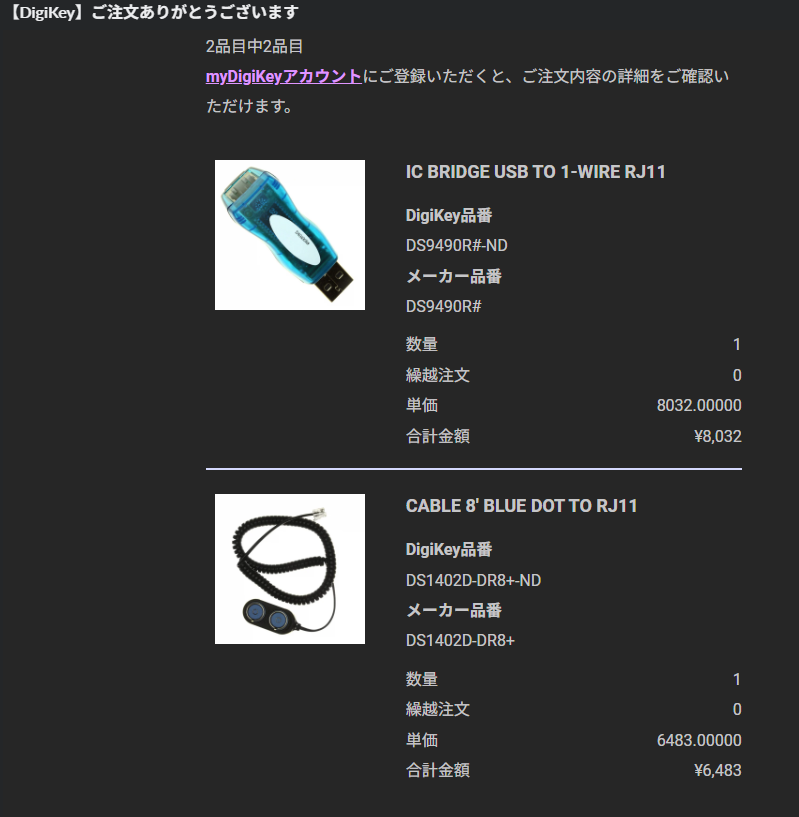
The items purchased were DS1402D-DR8 and DS9490R.
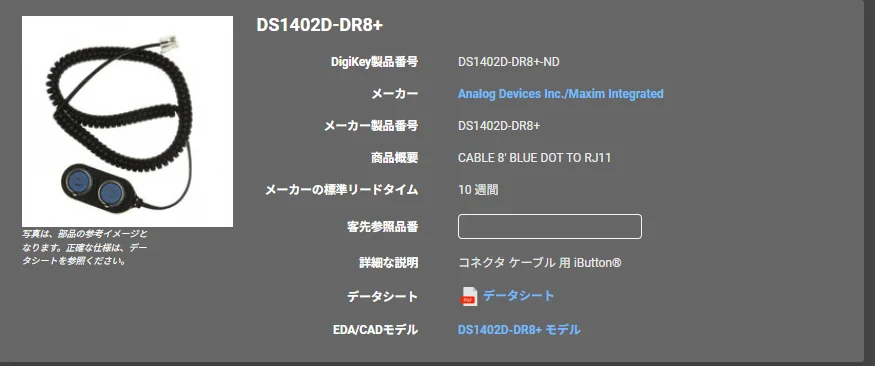
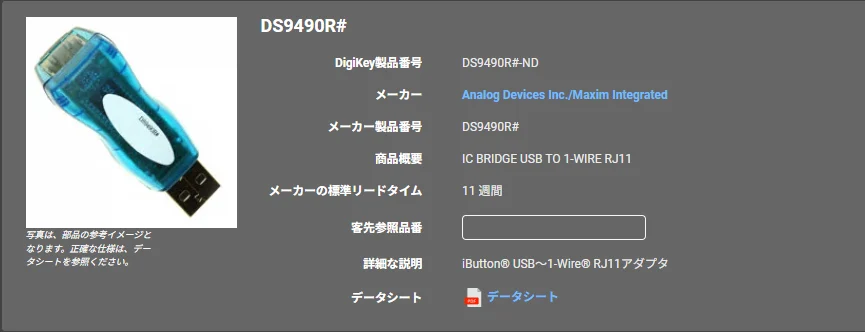
The former is an iButton <-> RJ11 adapter, and the latter is an RJ11 <-> USB adapter. The total cost was approximately 14,515 yen (+ shipping).
Connecting It#
I downloaded the driver for 1-Wire communication from Analog Devices' official website. Additionally, I found a software called OneWireViewer that facilitates communication.
After setting up on Windows 11 and launching OneWireViewer, I connected the Java Ring.
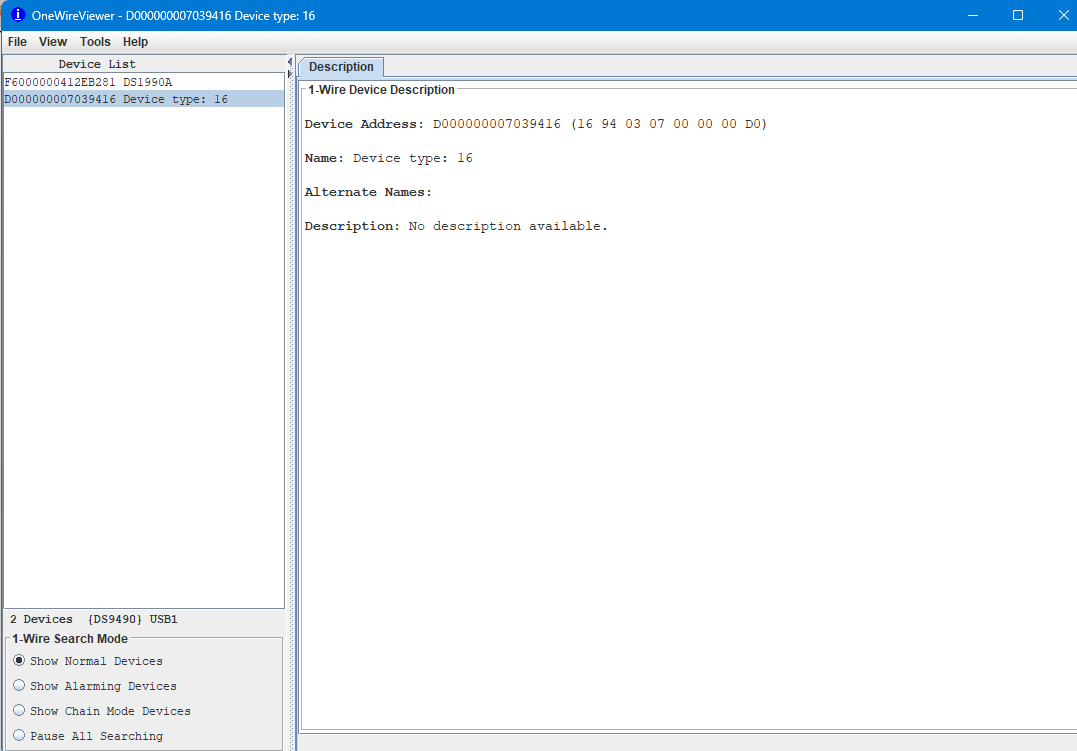
Amazingly! It was recognized! It seems that Java Ring is functioning properly.
The following information was retrieved:
Device Address: D000000007039416
Name: Device type: 16
Alter Names: (empty)
Description: No description available.
Hmm... There isn't much information. At most, the address D000000007039416 seems to be used for calling the device.
This concludes today's investigation.
What Did You Think?#
What did you think? In this article, we connected the received Java Ring to a computer and confirmed that it was recognized.
Next time, I plan to delve deeper. Until then.
Previous: 【Java Ring】01. Overview
Next: 【Java Ring】03. Relying on Web Searches