Writing
[Java Ring] 04. Running iB-IDE
Obtain and launch the integrated development environment for iButton, known as iB-IDE.
[Java Ring] 04. Installing iB-IDE
In the previous article, we searched for clues about Java Ring on the web and found an integrated development environment (iButton IDE) called iB-IDE. This time, I will try to actually launch this iB-IDE.
Installing iB-IDE#
Looking at the archived page, it seems that both Java Communications API 2.0 and iB-IDE are distributed here. First, I downloaded and extracted iB-IDE.
Inside were Setup.jar and Setup.bat.
When I ran Setup.bat, an error message appeared as follows:
 Syntax:  SETUP jdkPath
 Where jdkPath is the path to your Java executable.

 Example: SETUP c:\JDK1.2.2\bin\java.exe

Press any key to continue . . .
Indeed, it seems that this does not work with Java 25.
It expects a path to the Java executable file as an argument and assumes an environment around JDK1.2.2.
However, Setup.bat appears to simply launch Setup.jar.
So I tried launching it directly in the following manner:
java -cp Setup.jar Setup
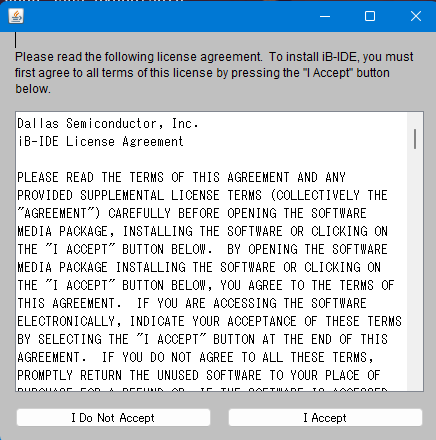
As a result, the installer wizard appeared.
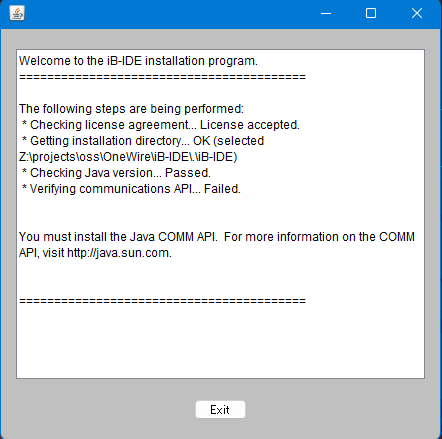
It seems that this is a product from Dallas Semiconductor. However, upon completion of installation, an error message appears:
Verifying communications API...Failed.
Indeed, it looks like we need the Java Communications API library or something similar.
Installing Java Communications API#
When I extracted the other file, the following files and directories appeared:
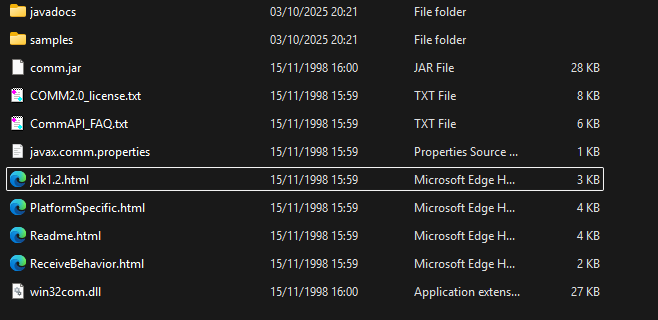
By the way, after some research, I found out that the world of Java comm APIs is chaotic and no longer exists in modern times. Since there were no 64-bit machines back then, only a 32-bit version of the DLL was available.
In Windows, it's possible to run 32-bit software on certain occasions, but calling 32-bit DLLs from 64-bit software is not supported.
Therefore, I decided to install the latest 32-bit Java (1.8) and use the Java comm API under that environment.
Following the instructions in Readme.md, I installed it into an existing JDK 1.8 on my machine,
and added comm.jar to the classpath before forcefully running Setup.jar.
java -cp "<path-to-comm.jar>;Setup.jar" Setup
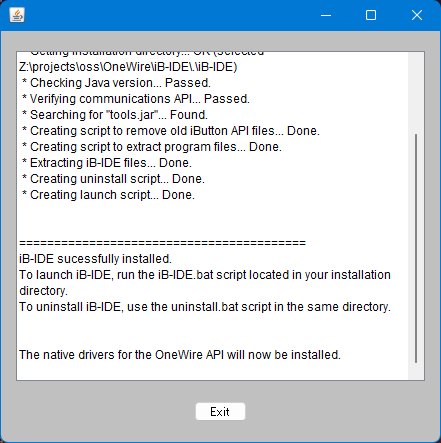
This time, it worked successfully. Phew!
Launching#
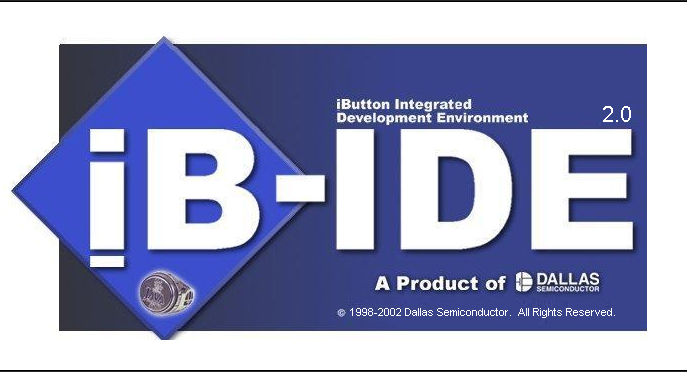
When I ran the extracted iB-IDE.bat, a splash screen appeared,
and after several seconds, the main window was displayed.
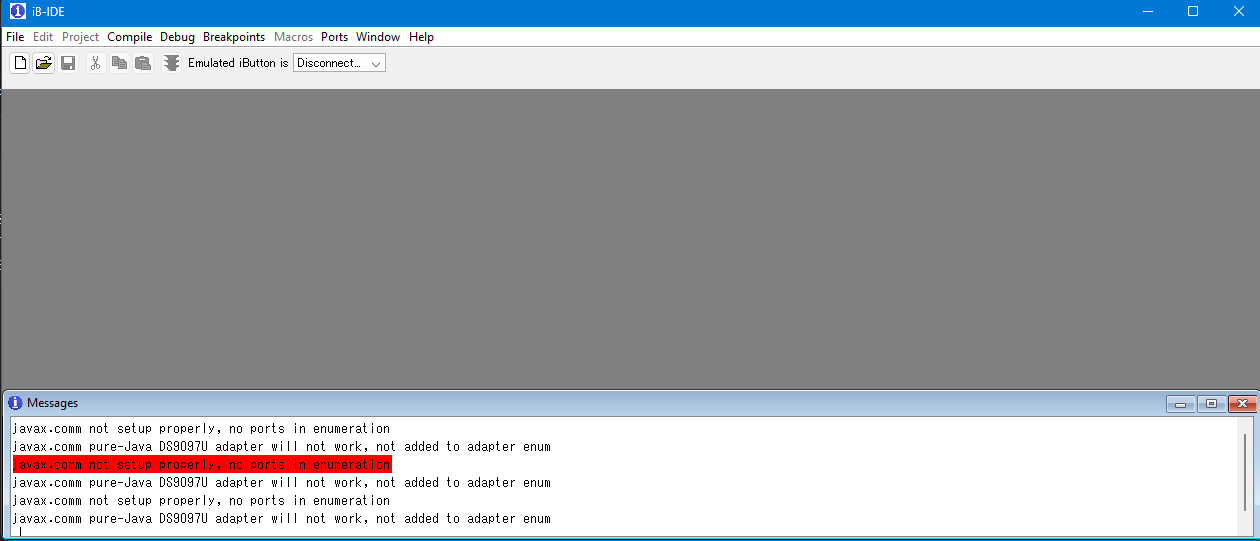
The UI is quite exciting.
There's an Emulated iButton... option, so it seems to come with an iButton emulator?
Conclusion#
How was that?
In this article, we obtained the iB-IDE found in the previous article and managed to launch it by overcoming dependencies on Java Communications API and 32-bit Java.
Just getting it up and running is already quite exciting, but I haven't yet communicated with the actual Java Ring. Next time, I will try talking to the Java Ring from this iB-IDE.
That's all for now.
Previous: 【Java Ring】03. Searching for Clues
Next: 【Java Ring】05. POR Error!